
Internet Speed Numbers Explained: Mbps, Latency, and Bandwidth
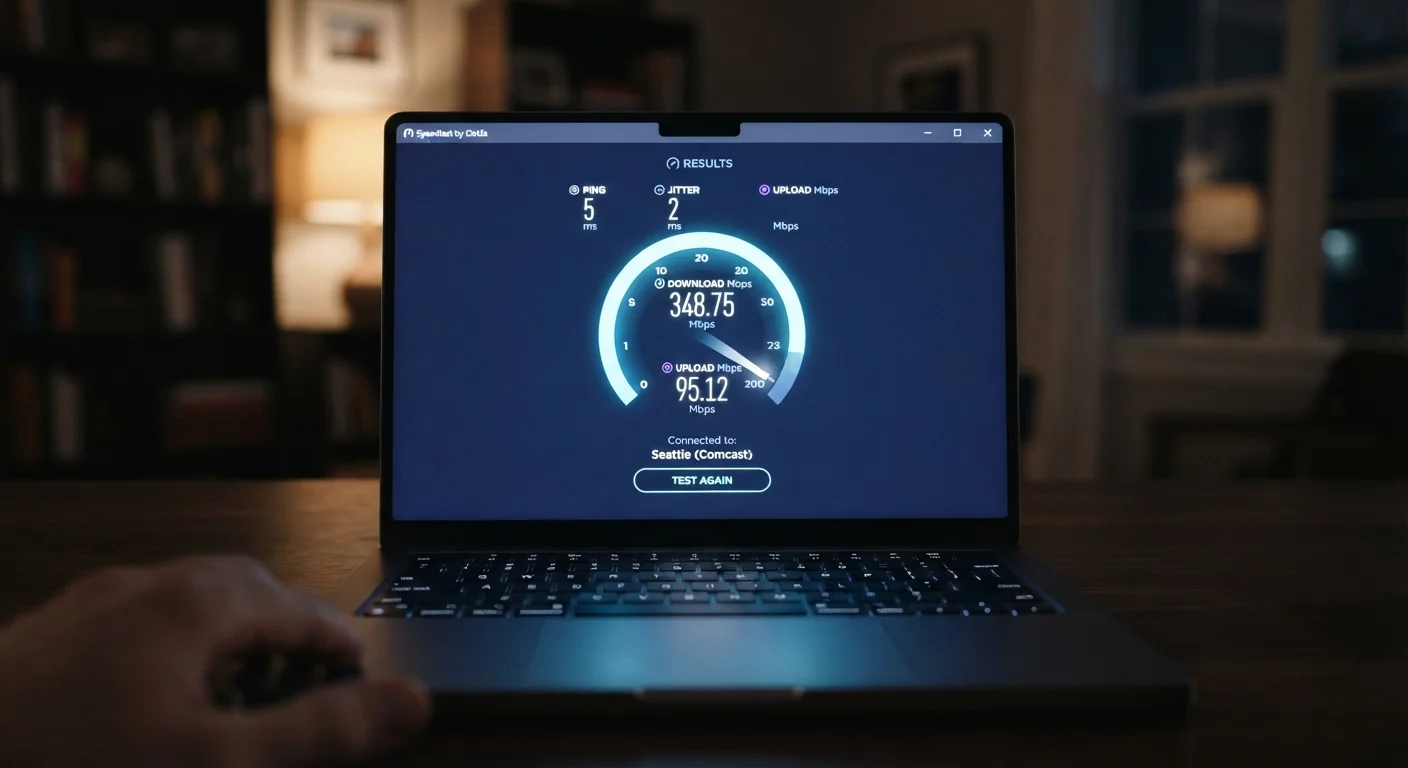
Photo credit: TrendingFaqs.com
In this article
Cut through the confusion around internet speed specs and learn what each number actually means for daily use.
What Mbps actually measures
Mbps stands for megabits per second. It measures how much data moves through your connection in one second. The higher the number, the more data can travel in that window of time.
One important distinction: a bit is not the same as a byte. Files on your computer are measured in bytes, but internet speeds are quoted in bits. There are 8 bits in a byte, so a 100 Mbps connection can theoretically transfer about 12.5 megabytes per second. When you download a 1 GB file and your progress bar shows speeds in MB/s, you can divide your Mbps figure by 8 to get a comparable number.
Most speed tests report two separate Mbps figures: download and upload. Download speed applies to anything you receive, streaming video, loading web pages, pulling in email attachments. Upload speed applies to anything you send, video calls, posting photos, or backing up files to a cloud service. Many home plans are asymmetric, meaning download speed is much higher than upload speed. If you work from home or frequently join video conferences, upload speed matters more than many shoppers realize.
For context on how these numbers connect to the physical infrastructure behind them, see our guide to broadband connection types.
Latency: the number Mbps does not capture
Latency is the time it takes for a signal to travel from your device to a server and back. It is measured in milliseconds (ms) and often called ping on speed test results. A lower number means a faster round trip.
High bandwidth with high latency creates a frustrating experience. Imagine a wide highway where every car must wait 400 milliseconds at each toll booth: a lot of data can travel, but nothing arrives quickly. This is why a 500 Mbps connection can still feel sluggish for gaming or video calls if latency is poor.
Latency below 20 ms is generally considered excellent. Below 100 ms is acceptable for most tasks. Above 150 ms, video calls may show noticeable delay, and real-time games can become unresponsive. Satellite internet connections historically have high latency because signals travel thousands of miles to orbit and back, though low-earth-orbit satellite services have reduced this compared to older geostationary systems.
The concept of latency also appears in audio technology. Our breakdown of earbuds specs explains how the same principle affects wireless audio.
Bandwidth vs. speed: a common mix-up
Bandwidth and speed are often used interchangeably in marketing, but they describe different things. Bandwidth is the maximum capacity of your connection, the ceiling on how much data can move at once. Speed is how quickly data actually moves at any given moment, which is always at or below that ceiling.
Think of bandwidth as the diameter of a pipe. A wider pipe can carry more water simultaneously, but water still moves through it at the same pressure. If many devices share the same pipe at once, each one gets a smaller share of the available flow. This is why a household with multiple simultaneous streams, calls, and downloads may feel slower than the advertised plan suggests, even when no single device is saturating the connection.
Internet service providers advertise bandwidth, not guaranteed speed. Actual speeds vary based on network congestion, the quality of your router, the age of in-home wiring, and how far your device is from the router. A wired Ethernet connection almost always delivers speeds closer to the bandwidth ceiling than Wi-Fi does.
To understand how data physically travels from a provider to your home before it even reaches your router, this explainer on how the internet reaches your home covers the full path. For a deeper look at how data is packaged and routed, see our guide to IP addresses, DNS, and packets.

Author
Tech Editorial Team
Tech Editorial Team is the collective byline for our editorial team and contributor network. Articles published under this byline or an editorial pen name are researched, written, and reviewed according to our editorial standards for clarity, consistency, and independence before publication.
View all articles →