
What the Internet Actually Is (And How It Reaches Your Home)
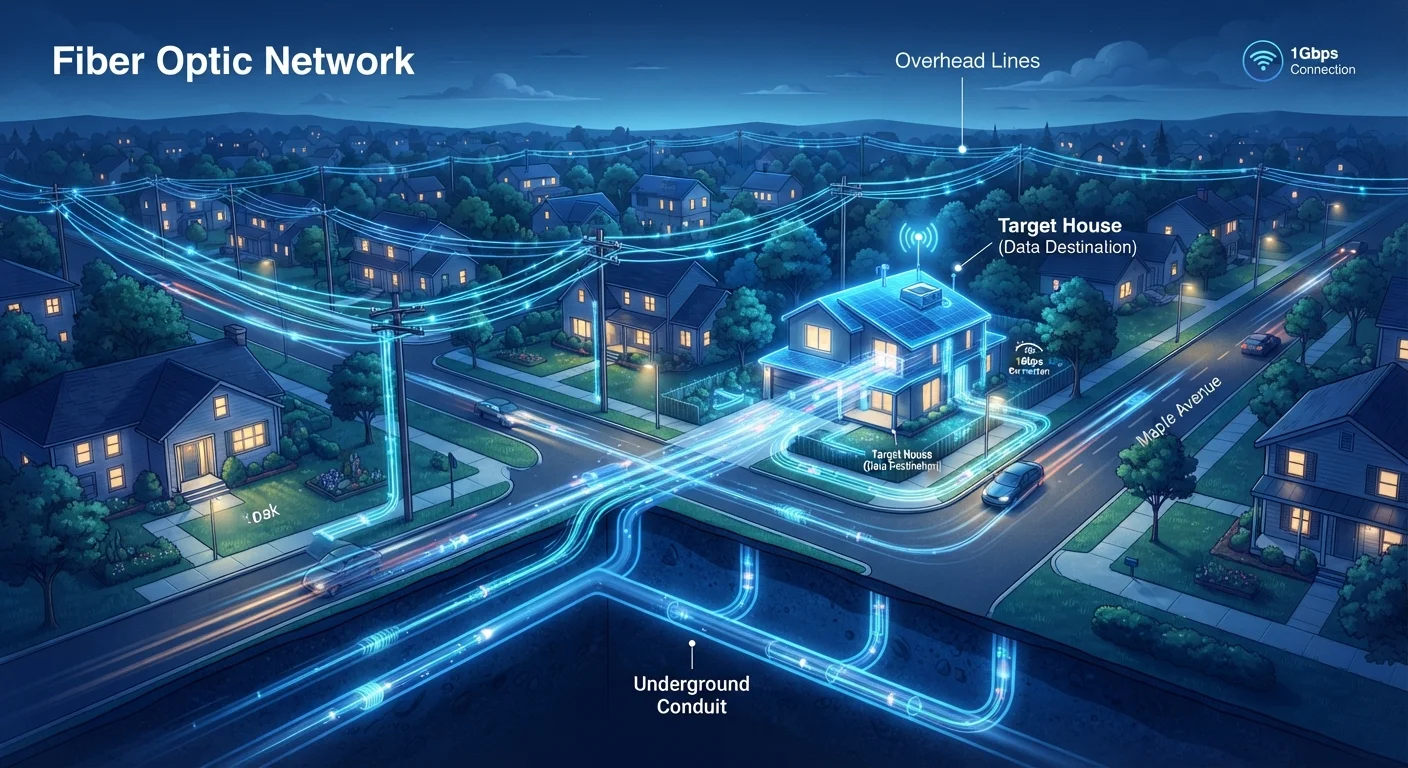
Photo credit: TrendingFaqs.com
In this article
A plain-language look at how the internet works, from undersea cables to the router in your living room.
Key Takeaways
- The internet is a network of networks, not a single centralized system owned by one entity.
- Physical infrastructure including undersea cables, data centers, and local ISP lines carries internet traffic.
- Data travels as small packets that are routed independently and reassembled at the destination.
- Your home router connects your devices to your ISP, which connects to the broader internet.
- Understanding basic internet structure helps you troubleshoot connectivity problems more effectively.
A network of networks
The internet is not one thing. It is thousands of separate networks, operated by different organizations, that agree to connect to each other and follow shared rules for exchanging data. Universities, corporations, governments, and internet service providers each run their own networks. Those networks link to each other through peering agreements and through large exchange points where traffic passes between them.
At the top of this structure are backbone providers: companies that operate very high-capacity long-distance links. Regional and local ISPs connect to those backbone networks, and your home connection sits at the end of that chain. Think of it as a highway system where interstate highways feed into state roads, which feed into local streets, and your driveway is the last stretch.
The internet has no single point of control
Because the internet is a network of independently operated networks, no single government or corporation can fully shut it down globally. Individual countries can restrict access within their borders by controlling local ISPs, but the underlying global infrastructure continues to function. This distributed design was intentional from the network's early architecture.
How data actually travels
When you request a webpage, your device does not send one continuous stream of data. Instead, the request and the response are broken into small chunks called packets. Each packet contains a destination address, a sequence number, and a portion of the content. Packets from a single request can take different paths across the network and are reassembled at your device when they all arrive.
This design, called packet switching, makes the network resilient. If one route is congested or down, packets find alternate paths. Routers scattered throughout the network read each packet's destination address and forward it toward the correct next hop. A packet might cross a dozen or more routers between your browser and a server on another continent.
Physical cables carry most of this traffic. Roughly 95 percent of international internet data travels through undersea fiber optic cables. These cables run along ocean floors connecting continents, and there are hundreds of them in service worldwide.
From the backbone to your front door
Your ISP connects its local network to backbone infrastructure and then runs lines to neighborhoods. Depending on the technology your ISP uses, that connection might be fiber optic cable, coaxial cable (used in cable internet), a copper telephone line (used in DSL), or a wireless signal from a nearby tower.
At your home, that line terminates at a modem, which converts the signal from your ISP into a format your home network equipment can use. A router then distributes that connection to your devices, either through Ethernet cables or Wi-Fi. Many ISPs now supply a combined modem/router unit, often called a gateway.
~95%
International internet traffic carried by undersea cables
According to the US National Oceanic and Atmospheric Administration (NOAA) and telecommunications industry figures, submarine cables carry the vast majority of the world's international data traffic.
1.3 billion+
Websites indexed on the internet
Web technology surveys have tracked over a billion registered domain names and active sites, illustrating the scale of content connected through shared infrastructure.
Your router assigns each device on your home network a private IP address and manages the flow of data between those devices and the internet. When a request leaves your home, the router replaces private addresses with your home's public IP address, which your ISP assigned to your connection.
Why this matters for everyday use
Understanding this chain helps with practical decisions. A slow connection might point to congestion at the ISP level, interference with your Wi-Fi signal, or a problem with your modem. Knowing that your router manages your home network tells you why restarting it often resolves connectivity issues without needing to call your ISP.
It also gives you a clearer picture of online privacy. Every device you connect has an address, and the requests you send pass through multiple networks before reaching their destination. Services like VPNs (Virtual Private Networks) work by routing your traffic through an encrypted tunnel to a server elsewhere, which then forwards requests on your behalf, masking your home IP address from the sites you visit.
Knowing where data travels also makes the concept of internet outages less mysterious. A cut undersea cable can disrupt connections between specific regions. A problem at your ISP's local node affects only customers in that area. A misconfigured router at a major network exchange can disrupt traffic globally for a short period.
Frequently Asked Questions

Author
Tech Editorial Team
Tech Editorial Team is the collective byline for our editorial team and contributor network. Articles published under this byline or an editorial pen name are researched, written, and reviewed according to our editorial standards for clarity, consistency, and independence before publication.
View all articles →