
Managing Subscriptions Before They Quietly Drain Your Bank Account
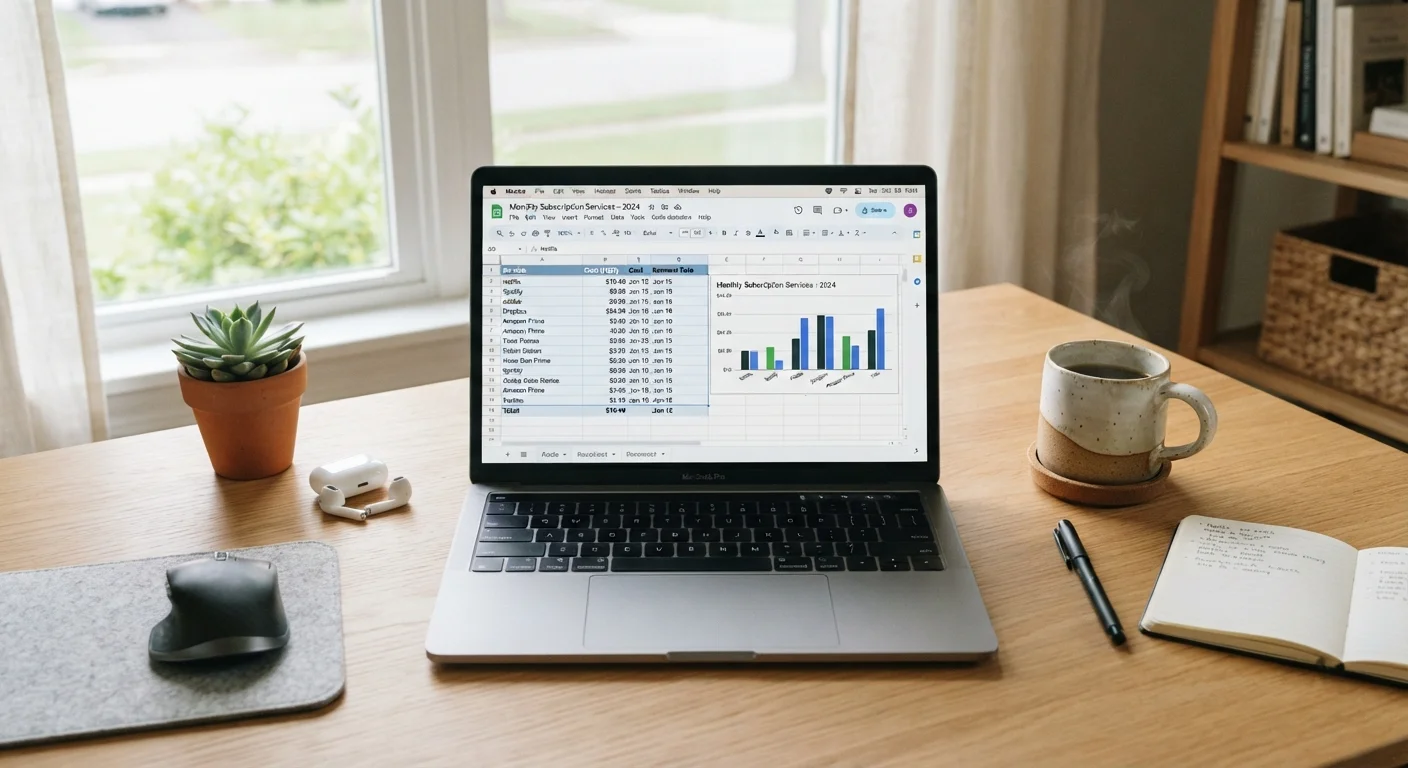
Photo credit: TrendingFaqs.com
In this article
A step-by-step guide to auditing your digital subscriptions, spotting unused services, and keeping recurring charges under control.
Key Takeaways
- Most households pay for at least one subscription they no longer use regularly.
- A bank or credit card statement is the most reliable starting point for a full audit.
- Subscription tracking apps can automate detection of recurring charges.
- Canceling unused services and setting calendar reminders prevents future billing surprises.
- Free trials that auto-convert to paid plans are a common source of unnoticed charges.
Why subscriptions pile up without notice
Streaming services, cloud storage, fitness apps, news paywalls, software licenses: each one seems minor on its own. A charge of $8 here and $15 there rarely triggers attention at the moment it posts, but the total across a year can reach hundreds of dollars for services a household barely touches.
The design of subscription billing works against you. Free trials convert automatically. Annual plans renew without a reminder. Prices increase with a short notice email that arrives during a busy week. None of this is accidental, which is why a periodic audit is worth the time. The steps below walk through a practical process for finding every active subscription, deciding which ones to keep, and preventing new ones from slipping by unnoticed.
If recurring charges are affecting a wider budget picture, the Saving and Debt hub has general guidance on managing ongoing expenses.
What you need before you start
No specialized software is required to complete this audit, though a few tools make it faster.
What you will need
Bank or credit card online portal
Use the transaction history to search for recurring charges by amount or merchant name.
Email search
Search your inbox for terms like 'receipt', 'subscription', 'renewal', and 'invoice' to surface active services.
Spreadsheet or notes app
Track each subscription found, its monthly cost, last use date, and whether to keep or cancel it.
Subscription tracking app
Apps in this category connect to your accounts and automatically detect recurring charges, saving manual search time.
Calendar app
Set reminders for upcoming trial expirations and annual renewal dates so you are notified in advance.
Step-by-step: auditing and trimming your subscriptions
Follow these steps in order. Skipping the statement review and going straight to canceling from memory will almost certainly leave charges behind.
Pull three months of statements
Log in to each bank account and credit card you use. Download or view transactions covering the past three months. Look for any charge that appears more than once at the same amount and from the same merchant. Note each one in your spreadsheet with the merchant name, amount, and billing frequency (monthly or annual).
Search your email for subscription confirmations
Open your email and search for words like 'subscription', 'renewal', 'receipt', 'invoice', and 'payment confirmation'. Add anything new to your list. Email sometimes surfaces services that post to PayPal or a secondary card and would not appear in your main bank search.
Log in to app stores and platform accounts
Check the subscription management section in the Apple App Store, Google Play Store, and any platform account you use (for example, Amazon or a smart TV's app store). These stores handle billing for many mobile app subscriptions that will not appear as direct merchant charges on your bank statement.
Rate each subscription by actual use
For every item on your list, record roughly how often you used it in the past month. Be honest: 'I might use it soon' is not the same as actual use. Mark each service as 'keep', 'cancel', or 'pause' if a pause option exists. Services used fewer than twice in the past month are reasonable candidates for cancellation.
Cancel or downgrade the services on your list
Work through your cancel list one service at a time. Most services require you to log in and navigate to account or billing settings to find the cancellation option. Some services present a retention offer (a discount or a pause) before completing the cancellation; accept or decline based on whether you plan to return. After each cancellation, note the confirmation number or take a screenshot.
Set reminders for future renewals
For each subscription you kept, look up its next billing date and add a calendar reminder one week before. For annual subscriptions in particular, a reminder prevents you from being billed for another full year on a service you no longer need. Store the cancellation instructions or a direct link to the billing page alongside each reminder.
Keeping subscriptions under control going forward
An audit is only useful if the habits around it change. A few practices help prevent the same situation from returning.
Use a dedicated payment method for subscriptions if possible. Routing all recurring charges through one card or account means future reviews take seconds rather than minutes. When you sign up for a free trial, set a calendar reminder two days before it ends, not on the last day. That gives you time to cancel without rushing.
Check your statements briefly each month rather than doing one large annual audit. Catching a new charge within 30 days is far easier than disputing three months of payments later. A budgeting app can flag new recurring charges automatically, reducing the manual effort involved.
Subscription clutter often connects to broader device costs. Always-on devices like smart TVs and game consoles can also add to monthly expenses in ways that go unnoticed, so reviewing both areas together gives a more complete picture of what your household actually spends on technology each month.
This article is for general informational purposes only and is not financial advice. Consult a qualified financial professional for guidance specific to your situation.

Author
Tech Editorial Team
Tech Editorial Team is the collective byline for our editorial team and contributor network. Articles published under this byline or an editorial pen name are researched, written, and reviewed according to our editorial standards for clarity, consistency, and independence before publication.
View all articles →