
Apps That Actually Help You Stick to a Budget
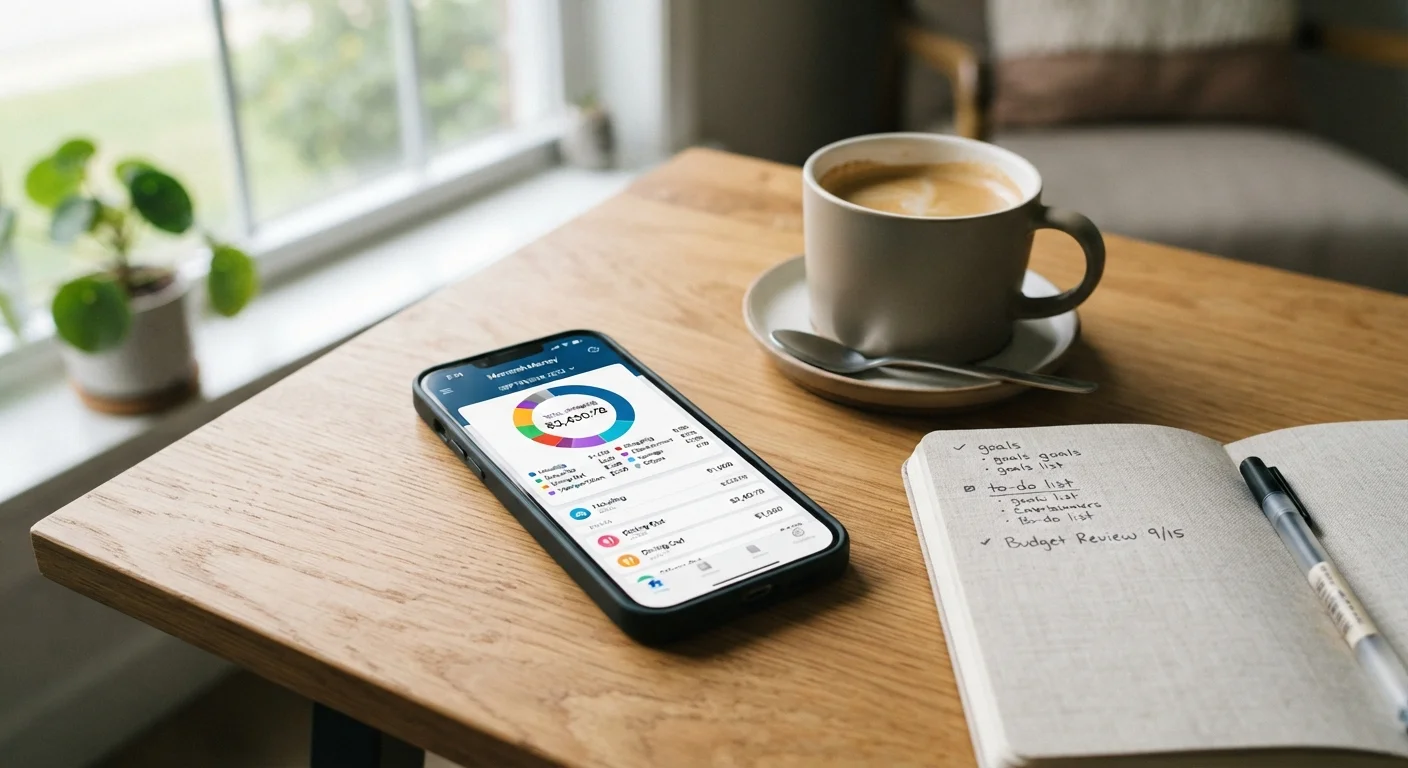
Photo credit: TrendingFaqs.com
A curated look at budgeting app categories and the features that make them useful for tracking spending and reaching financial goals.
Key Takeaways
- Budgeting apps fall into distinct categories, each suited to different money management styles.
- Automatic transaction syncing reduces manual entry and helps catch spending patterns you might miss.
- Goal-setting features let you track progress toward specific savings targets over time.
- Data privacy varies by app: review what each service collects and how it is used before connecting accounts.
- Free tiers are often sufficient for basic budgeting, while paid plans typically add forecasting or investment tracking.
What makes a budgeting app worth using
A budgeting app's value comes down to whether it changes your behavior, not just displays your data. The most useful tools reduce friction between you and your finances: they pull in transactions automatically, group spending into categories you can actually act on, and flag patterns before they become problems. If you have noticed habits that quietly drain your savings, an app that surfaces those patterns in real time can help you course-correct faster than a monthly review ever could.
Before downloading anything, it helps to know which category of app fits your situation. Some people need a zero-based budgeting system where every dollar is assigned a job. Others want a passive spending tracker that requires almost no setup. A smaller group wants investment tracking rolled into the same dashboard. These are genuinely different tools, and picking the wrong type is the most common reason people abandon an app within the first month.
Privacy is worth thinking about before you connect a bank account to any app. Most budgeting tools use read-only access to your accounts, meaning they can view transactions but cannot move money. Still, you are sharing sensitive financial data, so check whether the company sells or shares that data, and whether it stores your credentials directly or uses a third-party aggregator. The same data-hygiene habits that apply to tracking and browser data apply here too.
Start with one account, not all of them
When you first set up a budgeting app, connect only your primary checking account or the card you use most. Adding every account at once often creates an overwhelming volume of transactions to categorize. Once you have a working system for your main account, you can add others gradually.
App types that actually do the job
The list below covers the main categories of budgeting apps available to U.S. consumers and describes what each type does well. This is general information about app categories, not a recommendation to use any specific product. Prices, features, and availability change, so always verify current terms before signing up.
Zero-based budgeting apps
Zero-based budgeting means you assign every dollar a category before the month begins, so your income minus your allocations equals zero. Apps built around this method guide you through setting up spending envelopes or categories and then track how much remains in each one as you spend.
This type works well for people who want deliberate control over discretionary categories like dining out or entertainment. The tradeoff is setup time: you need to create a realistic budget each month, which takes more active involvement than a passive tracker. Most zero-based apps are subscription-based, typically charging a monthly or annual fee.
Assigning every dollar a job before the month starts tends to reduce impulsive overspending.
Automatic transaction trackers
These apps connect to your bank accounts and credit cards, pull in transactions automatically, and sort them into spending categories. Your only regular task is reviewing the categorization and correcting any miscategorized items, such as a grocery charge that was filed under restaurants.
The strength of automatic trackers is passive visibility: you get a running total of what you have spent without entering anything manually. Many offer a free tier with core tracking features, making them a low-commitment starting point. The limitation is that seeing spending clearly does not automatically create a plan to change it.
Automatic syncing removes the manual entry barrier that causes most people to give up on budgeting.
Goal-based savings apps
Goal-based apps let you name specific targets, such as a car repair fund or a vacation, attach a dollar amount and a deadline, and then track your progress. Some link directly to dedicated savings accounts; others work as planning layers on top of existing accounts.
These tools are particularly useful when you are trying to build motivation around saving, because seeing a progress bar move toward a named goal is more concrete than watching a general balance rise. Some apps also let you set automatic transfers to fund each goal on a schedule, which reduces the temptation to skip contributions.
Named savings goals with visual progress tracking tend to improve follow-through compared to generic saving.
Net worth and investment trackers
This category goes beyond monthly cash flow and shows your full financial picture: checking, savings, retirement accounts, brokerage accounts, and any debts, all in one place. The focus is net worth over time rather than month-to-month spending.
These apps suit people who already have a handle on daily spending and want a broader view of their financial trajectory. Investment data is typically read-only, meaning the app displays balances and performance without allowing you to trade. Some tools in this category are free; others charge for premium analytics or tax-related features. For personal investment decisions, a licensed financial adviser is the appropriate resource, not an app dashboard.
Seeing all accounts and debts together gives a clearer picture of financial progress than checking each one separately.
Manual entry budgeting apps
Manual entry apps ask you to log every transaction yourself rather than syncing to bank accounts. This sounds like more work, and it is, but the act of typing in each purchase creates a stronger awareness of spending than automatic tracking does for many people.
Because these apps do not connect to financial accounts, they also avoid the data-sharing considerations that come with linked apps. They tend to be simple, often free or low-cost, and work well as a privacy-conscious option or as a supplement to an automatic tracker. The main risk is that skipping entries even for a few days quickly makes the data unreliable.
Typing in each transaction manually builds spending awareness that passive syncing does not always create.
For more financial guidance related to specific spending contexts, the Saving and Debt hub covers debt management, emergency funds, and related topics in one place. If you are working with limited income, realistic strategies for saving on a tight budget offer approaches that work alongside any of the app types above. And if recurring charges are already slipping through, a dedicated review of managing your digital subscriptions is a practical first step before or alongside setting up a budgeting app.
This article is for informational purposes only and does not constitute financial advice. For guidance specific to your financial situation, consult a licensed financial professional.

Author
Tech Editorial Team
Tech Editorial Team is the collective byline for our editorial team and contributor network. Articles published under this byline or an editorial pen name are researched, written, and reviewed according to our editorial standards for clarity, consistency, and independence before publication.
View all articles →