
The Hidden Costs of Always-On Devices in Your Home
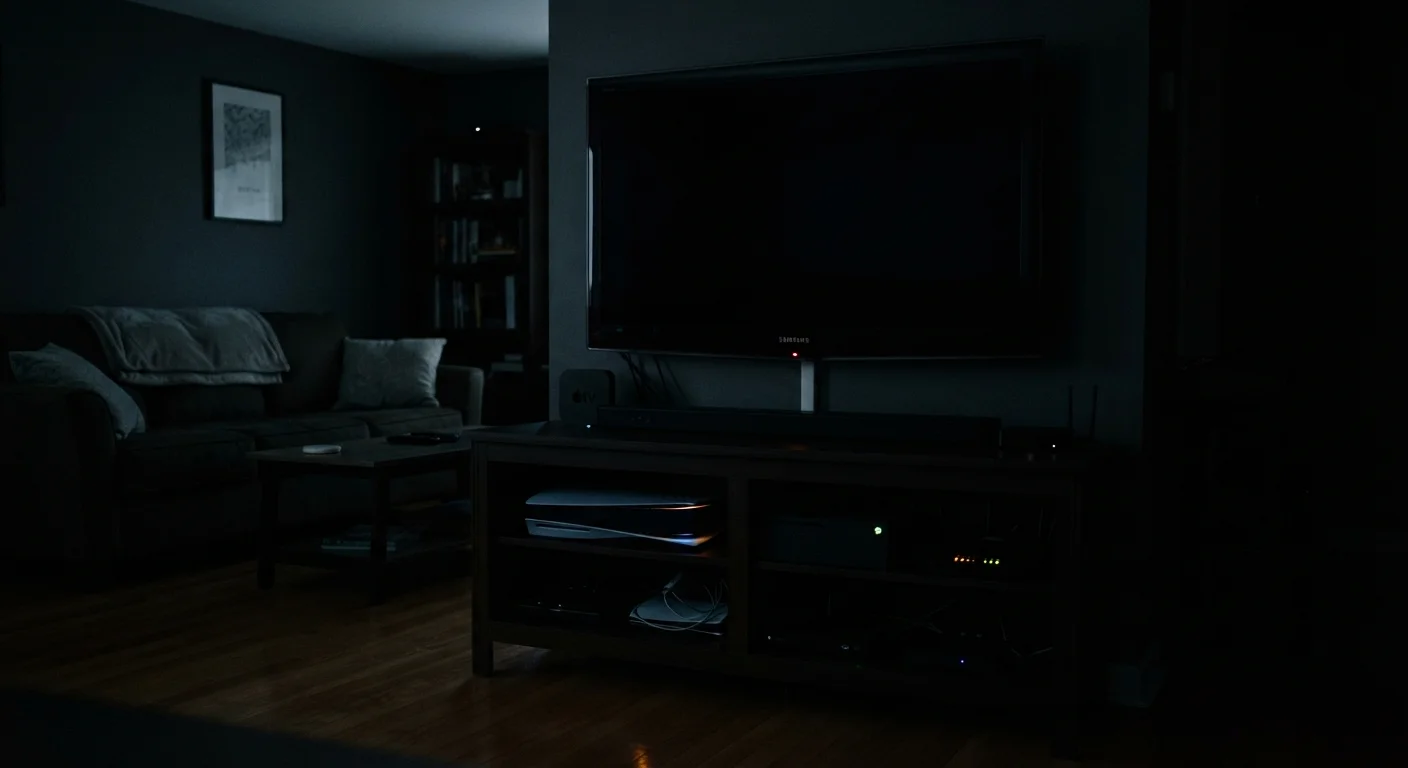
Photo credit: TrendingFaqs.com
In this article
Smart TVs, game consoles, and routers draw power even when idle. Here's a realistic look at what that means for your electricity bill over time.
Key Takeaways
- Devices in standby mode still draw power continuously, adding to your monthly electricity bill.
- Game consoles, smart TVs, and routers are among the highest standby power consumers in a typical home.
- A smart power strip or manual unplugging can reduce standby consumption without sacrificing convenience.
- Always-on devices serve real purposes, including faster startup times and background updates.
- The annual cost per device is modest, but the combined total across a full household adds up.
Faster startup times for frequently used devices
Standby mode lets smart TVs, consoles, and streaming sticks resume in seconds rather than going through a full boot sequence, which matters for daily users.
Automatic background updates stay current
Devices that stay connected can download firmware and security patches overnight, so users rarely need to manage updates manually.
Smart-home routines run without interruption
Always-on hubs and smart speakers maintain automations, schedules, and voice assistant availability continuously without requiring a manual wake step.
Network devices stay stable and available
Routers and modems are designed to run continuously; cycling power on them can cause brief outages and is generally not recommended by manufacturers.
Continuous electricity draw adds annual cost
A household with multiple always-on devices can spend $30 to $60 or more per year on standby power alone, based on U.S. average electricity rates.
Game consoles consume disproportionately in standby
Current-generation consoles in instant-on mode can draw more power while idle than many appliances, according to Lawrence Berkeley National Laboratory testing.
Continuous heat generation may reduce component life
Electronics that run warm around the clock experience more thermal cycling than those that cool off completely, which can affect long-term hardware reliability.
Some devices collect data during standby
Smart TVs and streaming devices may continue transmitting usage and advertising data while in standby mode, depending on manufacturer settings and privacy policy terms.
Costs are invisible without measurement
Because standby power never appears as a separate line on an electricity bill, most households underestimate how much idle devices contribute to monthly charges.
What 'always-on' actually means
Most home electronics never fully power off. When you press the remote or walk away from a console, the device enters standby mode: a low-power state where it listens for a wake signal, maintains a network connection, or runs background software updates. This draw is sometimes called phantom load, idle load, or vampire power.
The amount varies widely. A smart TV might draw 1 to 2 watts in standby, while a gaming console with instant-on enabled can pull 70 to 150 watts, according to data published by the Lawrence Berkeley National Laboratory. Routers and cable boxes typically run at full power all day because they are designed to stay connected around the clock.
None of this is hidden in a technical sense: the behavior is designed in deliberately. What most people have not done is add up what it costs across every device in the home over twelve months.
How to measure your own devices
A plug-in electricity monitor (sometimes called a watt meter or energy meter) lets you measure exactly how much power any device draws in different modes. You plug the monitor into the wall outlet and plug your device into the monitor. Readings taken in standby versus active mode give you accurate, device-specific numbers rather than estimates. These monitors are widely available at hardware stores and online retailers for under $25.
The real cost across a typical household
A single device drawing 5 watts continuously uses about 43.8 kilowatt-hours (kWh) per year. At the U.S. average residential electricity rate (roughly 16 cents per kWh as reported by the U.S. Energy Information Administration), that works out to about $7 annually. That sounds negligible until you multiply it across ten or fifteen devices.
A reasonable estimate for a household with a smart TV, a streaming stick, a game console with instant-on, a router, a cable modem, and a few smart speakers puts combined standby consumption somewhere between 200 and 400 kWh per year. That translates to $32 to $64 added to the electricity bill annually, before accounting for devices that draw far more than average.
$100+
Annual standby cost in some U.S. homes
The U.S. Department of Energy has estimated that standby power accounts for roughly 5 to 10 percent of residential electricity use in American homes.
~150W
Peak standby draw for some game consoles
Lawrence Berkeley National Laboratory documented instant-on standby power draws exceeding 100 watts on current-generation gaming consoles.
16 cents
Average U.S. residential electricity rate per kWh
The U.S. Energy Information Administration tracks residential electricity prices; the national average has hovered near 16 cents per kWh in recent years.
Game consoles are the most significant single offender. Instant-on or standby modes on current-generation consoles can exceed the power draw of a refrigerator in some configurations, a comparison documented in Lawrence Berkeley National Laboratory testing.
What you gain by keeping devices always on
Faster startup times for frequently used devices
Standby mode lets smart TVs, consoles, and streaming sticks resume in seconds rather than going through a full boot sequence, which matters for daily users.
Automatic background updates stay current
Devices that stay connected can download firmware and security patches overnight, so users rarely need to manage updates manually.
Smart-home routines run without interruption
Always-on hubs and smart speakers maintain automations, schedules, and voice assistant availability continuously without requiring a manual wake step.
Network devices stay stable and available
Routers and modems are designed to run continuously; cycling power on them can cause brief outages and is generally not recommended by manufacturers.
Convenience is real. A smart TV that powers on in two seconds versus fifteen seconds matters to many households. Background updates mean devices are ready with the latest security patches without requiring manual intervention. For households with smart-home setups, always-on hubs keep automations running reliably. If you use a device daily, the standby cost is a fair trade for the experience it enables.
What you lose (beyond the electricity bill)
Continuous electricity draw adds annual cost
A household with multiple always-on devices can spend $30 to $60 or more per year on standby power alone, based on U.S. average electricity rates.
Game consoles consume disproportionately in standby
Current-generation consoles in instant-on mode can draw more power while idle than many appliances, according to Lawrence Berkeley National Laboratory testing.
Continuous heat generation may reduce component life
Electronics that run warm around the clock experience more thermal cycling than those that cool off completely, which can affect long-term hardware reliability.
Some devices collect data during standby
Smart TVs and streaming devices may continue transmitting usage and advertising data while in standby mode, depending on manufacturer settings and privacy policy terms.
Costs are invisible without measurement
Because standby power never appears as a separate line on an electricity bill, most households underestimate how much idle devices contribute to monthly charges.
Beyond electricity costs, there are secondary effects worth knowing. Devices that run continuously generate heat, which can shorten component lifespan over time. Some standby modes enable data collection and advertising functions that continue even when a screen is off. And homes with older wiring may have circuits that are already running near their load limits, where reducing phantom load has a small safety margin benefit.
Practical steps to reduce standby consumption
You do not need to unplug everything to make a difference. A few targeted changes address the majority of the load.
- Change your game console's power mode from instant-on to energy-saving. This single setting change can cut standby draw from over 100 watts to under 2 watts.
- Use a smart power strip for entertainment centers. These strips cut power to peripheral devices when the main device (such as a TV) turns off.
- Plug rarely used devices (a second TV, an older console) into a standard power strip and switch it off when not in use for several days.
- Leave routers and modems on. Powering them off and on repeatedly offers minimal savings and can cause reconnection delays and wear.
- Check your smart TV's network standby setting. Many models allow you to disable wake-on-LAN while keeping the TV functional.
A $15 to $25 smart power strip on a full entertainment center can recover its cost within a year on electricity savings alone, depending on your local rate and usage pattern.

Author
Tech Editorial Team
Tech Editorial Team is the collective byline for our editorial team and contributor network. Articles published under this byline or an editorial pen name are researched, written, and reviewed according to our editorial standards for clarity, consistency, and independence before publication.
View all articles →