
Screen Resolution Numbers Explained Without the Marketing Jargon
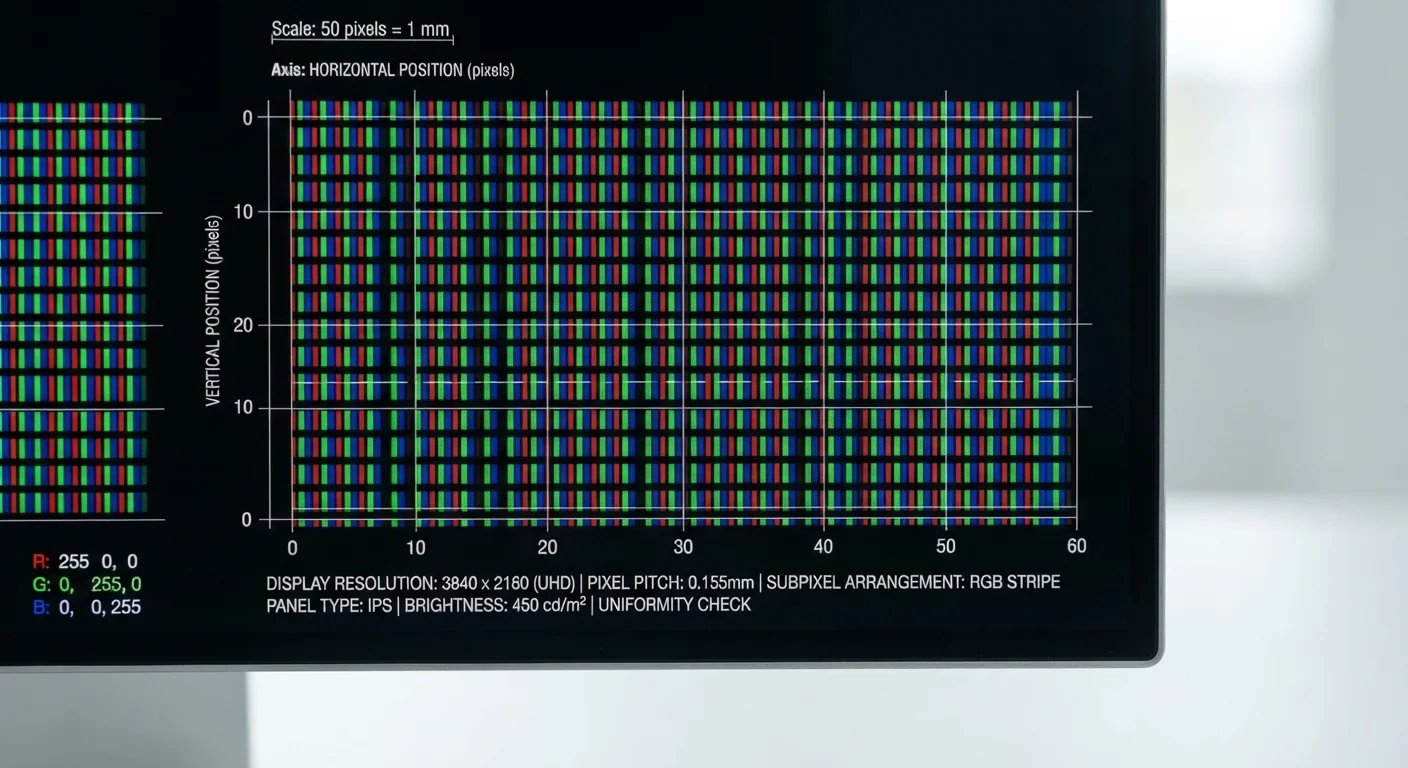
Photo credit: TrendingFaqs.com
In this article
HD, FHD, 4K, QHD: this reference guide explains what screen resolution figures mean and how they translate to what you actually see.
What resolution numbers actually measure
Every screen resolution is expressed as two numbers: width by height, measured in pixels. A pixel is the smallest individually lit dot on a display. When a screen is described as 1920x1080, that means it has 1,920 columns and 1,080 rows of pixels, totalling roughly 2 million individual dots. More dots packed into the same physical area produce a sharper image.
The shorthand labels you see in ads (HD, FHD, 4K) are marketing groupings for those pixel grids. They are not precise standards; a manufacturer can apply them with some latitude. That is why two displays both labeled "4K" may differ slightly in exact pixel count.
| HD resolution | 1280 x 720 pixels (720p) |
| Full HD (FHD) resolution | 1920 x 1080 pixels (1080p) |
| Quad HD (QHD) resolution | 2560 x 1440 pixels (1440p) |
| 4K UHD resolution | 3840 x 2160 pixels |
| 8K resolution | 7680 x 4320 pixels |
| Pixel density unit | PPI (pixels per inch) |
| Most common consumer aspect ratio | 16:9 |
| 4K pixel count vs. FHD | Approximately 4 times more pixels |
Resolution is also distinct from display size. A 27-inch monitor and a 5-inch smartphone can both carry a 1080p panel, but the pixel density (measured in pixels per inch, or PPI) will be far higher on the phone. Higher PPI means individual pixels are harder to distinguish at normal viewing distance, which is why phone screens can look very sharp despite smaller resolutions.
A plain breakdown of common resolution tiers
Understanding where each label sits in the hierarchy removes most of the confusion.
- HD (1280x720): Sometimes called 720p. Common on budget devices, smaller screens, and older streaming content. Adequate at small screen sizes but noticeably soft on anything larger than about 24 inches viewed up close.
- FHD (1920x1080): Full HD, or 1080p. The most widely used resolution across laptops, monitors, and televisions. Delivers a clean, detailed image for most everyday tasks at typical viewing distances.
- QHD (2560x1440): Quad HD, or 1440p. Common on mid-range and higher-end computer monitors. Noticeably sharper than FHD on screens 24 inches and up, and a practical middle ground between FHD and 4K.
- 4K UHD (3840x2160): Ultra HD. Four times the pixel count of 1080p. Widely used in televisions 43 inches and larger, and increasingly common in computer monitors. The benefit is most visible at large screen sizes or close viewing distances.
- 8K (7680x4320): Found in a small number of high-end televisions. At typical living-room viewing distances, the difference from 4K is difficult to perceive for most people, and 8K content is scarce.
For practical guidance on the other specs printed on device packaging, this reference on device certifications explains what labels like IP ratings and FCC marks actually certify.
Pixel
The smallest addressable point of light on a display. Every image on a screen is built from a grid of pixels, each assigned a specific color and brightness value.
Resolution
The total number of pixels on a screen, stated as width x height (for example, 1920x1080). Higher resolution means more pixels and generally a sharper image.
PPI (pixels per inch)
A measure of pixel density: how many pixels fit into one inch of screen space. A higher PPI produces a finer, less grainy image at the same viewing distance.
Upscaling
A process where a display or device stretches lower-resolution content to fill a higher-resolution screen. The result is improved over the original but not equivalent to native high-resolution content.
Refresh rate (Hz)
How many times per second a display redraws its image. A higher Hz value produces smoother motion, which is independent of resolution.
Aspect ratio
The proportional relationship between a screen's width and height, commonly expressed as 16:9. It determines the shape of the display and affects what resolution figures are possible.
Why higher resolution is not always better
Resolution interacts with several other factors that determine whether an upgrade is worthwhile.
Viewing distance: Sitting 8 feet from a 55-inch TV, the human eye cannot reliably resolve the difference between 1080p and 4K. Up close at a desk, the same comparison is obvious. Charts published by display researchers suggest that the viewing distance at which 4K becomes distinguishable from 1080p on a 55-inch screen is roughly 7 feet or less.
Content availability: A 4K display playing a 1080p video upscales the image, which improves it slightly but does not match native 4K footage. Streaming services, disc media, and gaming platforms vary in how much true 4K content they provide.
Hardware demand: Driving a higher-resolution display requires more processing power from a computer's graphics hardware. Running games or video editing software at 4K can strain a system that handles 1080p comfortably.
Refresh rate and resolution together: Resolution is one axis; refresh rate (measured in Hz) is another. A 4K display at 60 Hz can feel less fluid for fast-moving content than a 1080p display at 144 Hz. If you use a computer for gaming or video work, review both numbers before drawing conclusions. Internet speed specs follow the same logic: raw numbers only matter in context.
How to read resolution specs when shopping or comparing devices
Manufacturers do not always label resolutions consistently. Here are the patterns most likely to trip up a casual reader.
"2K" is ambiguous. The term originates in cinema, where it describes a 2048-pixel-wide frame. Consumer product listings often apply it loosely to 1440p or even 1080p. If you see "2K," check the actual pixel dimensions listed in the specifications.
Aspect ratio affects the numbers. Most screens use a 16:9 aspect ratio, which is the source of the familiar 1080p and 4K figures. Ultrawide monitors use 21:9 or 32:9, producing resolutions such as 3440x1440 that do not map neatly to standard tier names.
"Retina" and similar branded names refer to pixel density relative to viewing distance, not to a fixed resolution. The same brand label may cover several different underlying resolutions across a product line.
When comparing two devices, the most reliable approach is to locate the pixel width and height in the technical specifications, calculate or look up the PPI for the physical screen size, and judge from there. Other technical specs follow comparable patterns: the label simplifies, and the underlying number is what matters.

Author
Tech Editorial Team
Tech Editorial Team is the collective byline for our editorial team and contributor network. Articles published under this byline or an editorial pen name are researched, written, and reviewed according to our editorial standards for clarity, consistency, and independence before publication.
View all articles →