
Phishing, Smishing, and Vishing: How Online Scams Actually Work
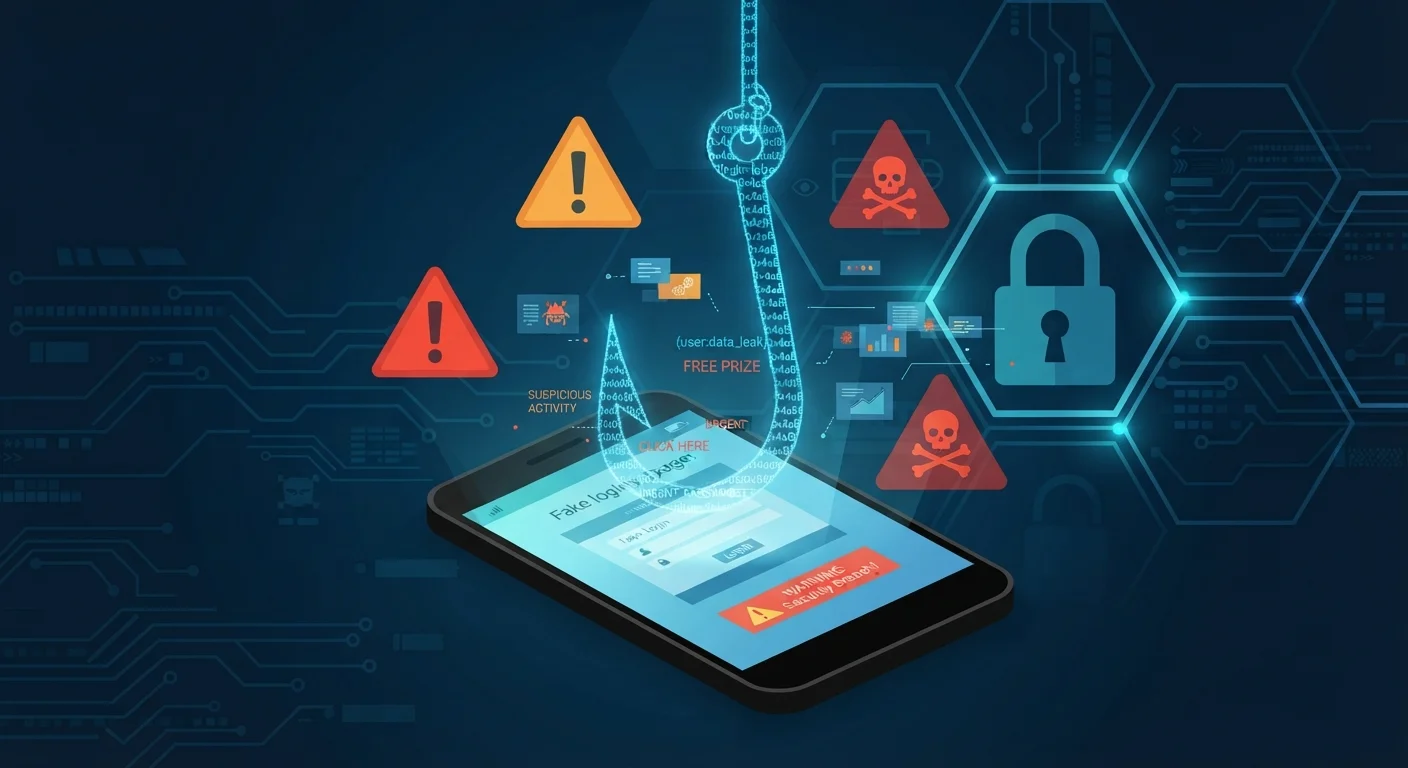
Photo credit: TrendingFaqs.com
In this article
Understand the mechanics behind common online scams so you can recognize them before they cause harm.
Key Takeaways
- Phishing, smishing, and vishing are all forms of social engineering that impersonate trusted sources.
- Scammers rely on urgency and fear to prevent you from pausing to verify a message.
- A legitimate organization will never demand immediate action or ask for passwords over email, text, or phone.
- Independently contacting the supposed sender is the most reliable way to confirm whether a message is real.
- Two-factor authentication limits damage even when a scammer obtains your password.
What these scams have in common
Phishing, smishing, and vishing are three variations of the same underlying tactic: impersonate someone the target trusts, add enough pressure to prevent careful thought, and collect whatever the person hands over. The "fishing" root in all three names is deliberate. Scammers cast a wide net and wait for anyone to take the bait.
The trusted source is usually a bank, a government agency, a package carrier, or a tech company. The pressure comes from a fabricated deadline: your account will be suspended, a package cannot be delivered, or you owe money that must be paid today. That combination of authority and urgency is what makes these attacks work on otherwise careful people.
Understanding the mechanics is the first step toward not falling for them. See our guide to staying safe on public Wi-Fi for related habits that reduce your exposure online.
How phishing works
A phishing email is designed to look exactly like a legitimate message from a company or institution you recognize. Scammers copy logos, color schemes, and standard email layouts to make the fake nearly indistinguishable from the real thing at a glance.
The email typically contains a link pointing to a website that also looks legitimate. That site prompts you to enter login credentials, a Social Security number, or payment details. The moment you submit the form, the scammer has your information. The site may even redirect you to the real organization afterward so you have no immediate reason to suspect anything went wrong.
Hover before you click
On a desktop browser, hovering your cursor over a link without clicking reveals the actual destination URL at the bottom of the screen. If that address does not match the organization's real domain, do not click. On a mobile device, press and hold the link to see the URL before tapping.
Spear phishing is a more targeted version where the attacker has researched you specifically, so the email may reference your name, employer, or a recent transaction. Generic phishing is volume-based; spear phishing is precision-based. Both use the same deceptive structure.
For a broader picture of how your data can be used online, see our article on cookies, trackers, and browser fingerprinting.
How smishing and vishing work
Smishing (SMS phishing) follows the same logic as email phishing but arrives as a text message. Common scenarios include fake package delivery alerts, bank fraud warnings, and two-factor authentication prompts from accounts you did not initiate. The text contains a shortened or disguised link, and tapping it leads to a fraudulent page.
Vishing (voice phishing) uses a phone call instead of a written message. A caller impersonates an IRS agent, a Medicare representative, a bank fraud department, or a tech support specialist. Voice calls add a layer of real-time social pressure: the caller can respond to hesitation, answer objections, and keep escalating urgency until the target complies or hangs up.
Caller ID spoofing allows the incoming number to display as a local number, a government agency, or even your own bank's customer service line, so the number alone is not reliable proof that a call is legitimate.
Red flags to watch for
Several warning signs appear across all three formats. Recognizing even one of them is reason to stop and verify independently.
- The message creates immediate urgency or threatens a consequence if you do not act within hours.
- The sender's actual address or phone number does not match the organization it claims to represent.
- Links in an email or text do not match the official domain when you hover over or inspect them.
- The message asks for a password, full account number, or Social Security number directly.
- The grammar, spelling, or formatting seems slightly off compared to communications you normally receive from that organization.
When any of these appear, go directly to the organization through a channel you already trust: type the official website address yourself, or call the number printed on your card or statement. Never use contact information provided in the suspicious message itself.
For ongoing protection habits, the monthly internet security checklist covers the routine steps that reduce your risk over time.
What to do if you think you have been targeted
If you received a suspicious message and did not interact with it, report it. Forward phishing emails to reportphishing@apwg.org or to the organization being impersonated. Forward suspicious texts to 7726 (SPAM), which is a reporting shortcode supported by most U.S. carriers. Report vishing calls to the FTC at reportfraud.ftc.gov.
If you did click a link or provide information, move faster. Change the compromised password immediately and change it on any other account where you used the same credentials. Contact your bank or card issuer if financial information was shared. Then enable two-factor authentication on affected accounts so that a stolen password alone is no longer enough to access them. Our walkthrough for setting up two-factor authentication explains the process for common account types.
If the scam involved financial loss, you can also file a complaint with the FBI's Internet Crime Complaint Center at ic3.gov. Recovery is not guaranteed, but reporting helps authorities identify patterns and, in some cases, act against organized scam operations.
Frequently Asked Questions

Author
Tech Editorial Team
Tech Editorial Team is the collective byline for our editorial team and contributor network. Articles published under this byline or an editorial pen name are researched, written, and reviewed according to our editorial standards for clarity, consistency, and independence before publication.
View all articles →