
Offline vs. Online Apps: Which Approach Fits Your Day-to-Day Reality
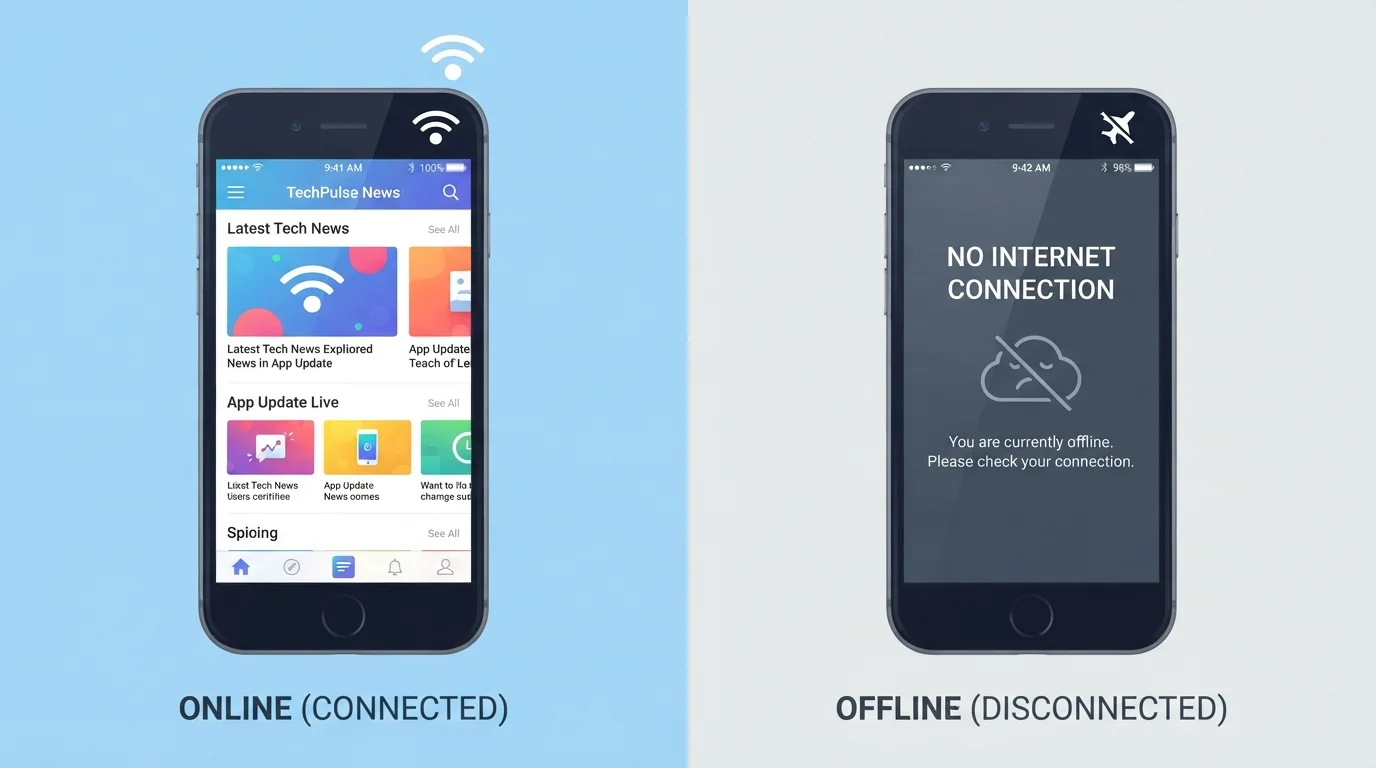
Photo credit: TrendingFaqs.com
In this article
Understand the practical differences between apps that need an internet connection and those that work without one, and when each matters.
Key Takeaways
- Offline apps store data on your device and work without any internet connection.
- Online apps depend on a live connection and often sync data across multiple devices automatically.
- Many modern apps use a hybrid model that works offline and syncs when connectivity returns.
- Your choice should depend on your typical connectivity, battery habits, and how you share data.
- Storage space and data privacy are practical factors that often tip the decision.
What actually separates an offline app from an online one
An offline app stores everything it needs on your device. Its code, content, and your data all live locally, so the app runs the same whether you have four bars of LTE or no signal at all. A simple calculator, a downloaded map, or a note-taking app that saves only to your phone are all examples.
An online app (sometimes called a cloud-based or web-dependent app) relies on a remote server for at least part of its function. It might fetch current data, sync your settings, or store files off-device. Streaming music, real-time navigation with live traffic, and shared document editors all fall here.
The line between the two has blurred. Many apps now use a hybrid approach: they cache content locally so you can keep working during an outage, then sync changes the moment a connection returns. Google Maps, for instance, lets you download regions for offline use while still pulling live traffic when you are connected. For practical purposes, though, most apps lean clearly toward one model or the other, and that distinction shapes your daily experience. See our guide to internet basics for a broader look at how connectivity affects the apps you use.
Head-to-head comparison
The table below covers the criteria that matter most for everyday decisions: reliability, storage, privacy, collaboration, and cost patterns.
| Criterion | Offline apps | Online apps |
|---|---|---|
| Internet required | No | Yes, for most functions |
| Data storage location | On your device | Remote server (cloud) |
| Cross-device sync | Manual or none | Automatic |
| Real-time data | Not available | Available |
| Collaboration support | Limited | Built-in for most |
| Local storage used | Higher | Lower |
| Data backup if device fails | Not automatic | Continuous sync |
| Battery impact | Generally lower | Generally higher |
| Privacy exposure surface | Narrower | Broader |
Storage is worth a closer look. Offline apps can accumulate significant space on your device, especially if they include media libraries or large data sets. Online apps shift that burden to a server, but free storage tiers have caps. If you already juggle cloud storage between platforms, see our comparison of Google Drive and Dropbox for a sense of how those limits play out in practice.
When offline access is worth prioritizing
Rural areas, airplane mode, basement offices, and subway commutes all share one trait: the internet is not guaranteed. If your job or daily tasks depend on access to certain tools during those gaps, an offline-capable app removes a real variable.
Battery life is a secondary factor. Apps that constantly poll servers for updates or stream content drain power faster than apps running on local data. If you are frequently away from a charger, offline apps can extend the time your device stays functional.
Privacy is a third consideration. Data that never leaves your device cannot be exposed in a server breach. That does not make offline apps inherently secure against every threat, but it does narrow the attack surface. Anyone managing health notes, financial records, or personal journals may reasonably prefer local storage for that reason alone.
When staying connected pays off
Real-time information has no offline equivalent. Traffic conditions, flight status updates, breaking news, and current stock prices all require a live data feed. An offline app can only show you what was true when you last synced.
Collaboration is the other clear advantage. When multiple people need to see and edit the same content, a shared cloud environment is far more practical than emailing files back and forth. This applies whether you are coordinating a household budget or working on a team project. Job-searching platforms are a good example: their value comes largely from live listings and employer activity that an offline snapshot cannot replicate.
Automatic backup is also worth naming. If your phone is lost or broken, data saved only to that device is gone. Online apps that sync continuously give you a recovery path that local-only storage does not.
Practical ways to decide for your situation
Map your actual connectivity during a typical week. If you are online most of the day through reliable home or work Wi-Fi, the offline question rarely comes up. If you spend time in transit or in low-signal environments, it becomes relevant for the tools you use in those windows.
Check whether the apps you already use have offline modes before switching to something new. Many popular apps have added offline functionality quietly over the past few years, and enabling it is often a single setting toggle.
Consider the data involved. For apps that handle sensitive personal information, read the privacy policy to understand where your data is stored and who can access it. The internet basics hub covers online safety concepts that apply directly here.
If you are weighing whether to pay for a premium tier that unlocks offline features, that is a separate question about value. Our free vs. paid apps breakdown can help you think through when the upgrade is actually worth it.

Author
Tech Editorial Team
Tech Editorial Team is the collective byline for our editorial team and contributor network. Articles published under this byline or an editorial pen name are researched, written, and reviewed according to our editorial standards for clarity, consistency, and independence before publication.
View all articles →