
Tailoring Your Resume for Each Job Posting Without Starting Over Every Time
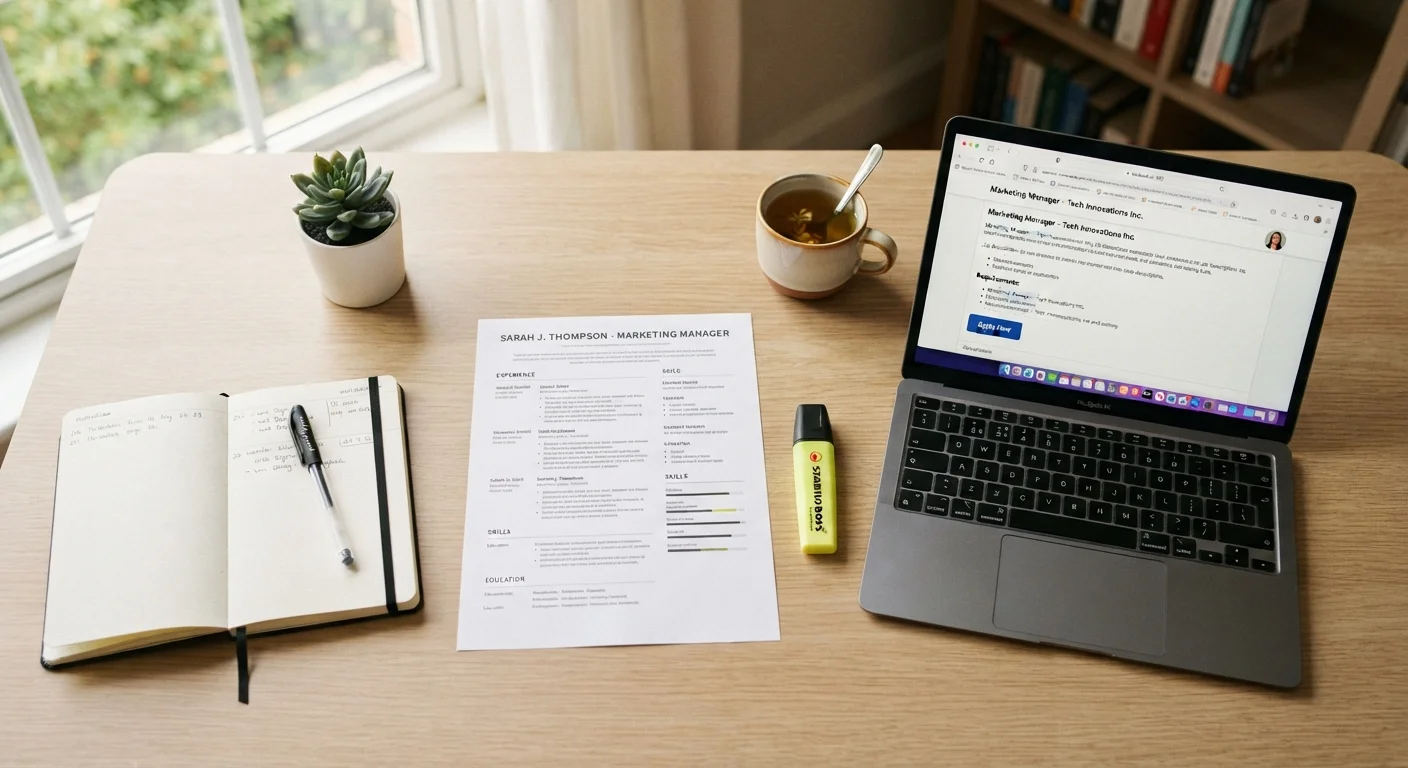
Photo credit: TrendingFaqs.com
In this article
Discover a repeatable system for customizing your resume to specific job descriptions quickly, without rewriting everything from scratch.
Key Takeaways
- Build a master resume first, then pull from it for each application rather than rewriting from scratch.
- Mirror the language in the job posting to pass applicant tracking system (ATS) filters.
- Focus your edits on the summary, skills section, and top bullet points in each role.
- Spending 20 to 30 minutes per tailored resume is realistic once you have a reliable system.
- Track every version you send so you can reference the right resume if an interview is scheduled.
Why tailoring matters, and why it does not have to be painful
Sending the same resume to every job posting is one of the most common missteps in a job search. Most employers use applicant tracking systems (ATS) to scan resumes before a human sees them. Those systems score resumes against the specific words and phrases in the job description. A resume that does not reflect the posting's language, even if the experience is genuinely relevant, can be filtered out automatically.
The solution is not writing a new resume from scratch for every application. That approach burns time and leads to inconsistent, disorganized records. Instead, the goal is a fast, repeatable customization process built around a strong master document.
This method also helps you apply more strategically. When you read a job description closely enough to tailor a resume to it, you get a clearer sense of whether the role is actually a good fit before investing more time. For a broader look at how your resume fits into the overall application picture, see the full job search playbook.
What you need before you start
What you will need
You also need a folder system, either on your computer or in a cloud storage service, where you will save each tailored version. Naming files clearly, such as resume_acme_marketing_coordinator.docx, prevents confusion later. If you are managing multiple applications at once, a simple tracking spreadsheet helps you match each version to the right application. The article on keeping your job search organized covers practical methods for doing exactly that.
Step-by-step: how to tailor your resume efficiently
Follow these steps each time you apply to a new role. After a few rounds, the process becomes faster.
Build and maintain a master resume
Your master resume is not something you send anywhere. It is a complete record of everything you have done: every job, every skill, every project, every certification. Keep it updated whenever you learn a new skill or finish a project. This document is your source material for every tailored version you create.
Analyze the job posting before touching your resume
Read the posting carefully and note the following: required qualifications, preferred qualifications, the specific job title used, any tools or software named, and repeated phrases. The words that appear more than once are the ones the employer considers most important. Copy the posting text into a separate document or note so you can refer to it while editing.
Rewrite your summary statement to match the role
The two or three sentences at the top of your resume are the first thing most recruiters read. Adjust this section to reflect the title used in the posting and the two or three qualifications the employer emphasized most. Do not paste the job description's wording directly; describe your background using the same terminology the employer used.
Update your skills section
Compare your current skills list against the terms in the job posting. Add any relevant skills you genuinely have but left off your master version. Remove skills that are irrelevant to this particular role so the list stays focused and readable. ATS software often scans this section, so exact-match terminology matters here more than anywhere else.
Revise the top bullet points in your most relevant roles
You do not need to rewrite every bullet point. Focus on the top two or three bullets under your most recent or most relevant position. Reframe those bullets to lead with the skills or outcomes the posting prioritizes. Use the employer's vocabulary where it accurately describes what you did. Swap generic verbs for specific ones that match the job's language.
Save the tailored version with a clear file name
Save the finished document as a new file, never overwriting your master resume. Use a naming convention that includes the company name, role, and date, such as resume_greenfield_analyst_2024.pdf. Log this version in your application tracker alongside the job posting link and the date you applied. If an interview is scheduled weeks later, you will know exactly which resume the hiring manager has.
Common mistakes that slow the process down
Changing too much at once is the most frequent problem. If you rewrite every bullet point, you lose track of what your actual experience is and end up with inconsistent versions that are hard to reuse. Limit yourself to the sections that matter most: the summary, the skills list, and the top two or three bullet points under your most recent or most relevant role.
Another mistake is copying job description language verbatim in long blocks. Hiring managers recognize this immediately. The goal is to use the same terms, not the same sentences. Swap in the job's preferred vocabulary where it accurately describes what you did.
Finally, do not neglect the skills section. Many ATS systems weight that section heavily. If the posting asks for a specific tool or methodology you have used, and it is not on your resume, add it. Before submitting, run through the job application checklist to catch anything you may have missed.
Your resume and LinkedIn profile serve different functions, so changes you make to one do not automatically belong on the other. The article on LinkedIn profile versus resume differences explains when each document carries more weight with recruiters.

Author
Careers Editorial Team
Careers Editorial Team is the collective byline for our editorial team and contributor network. Articles published under this byline or an editorial pen name are researched, written, and reviewed according to our editorial standards for clarity, consistency, and independence before publication.
View all articles →