
Smart Plugs and Energy Use: Separating the Convenience from the Confusion
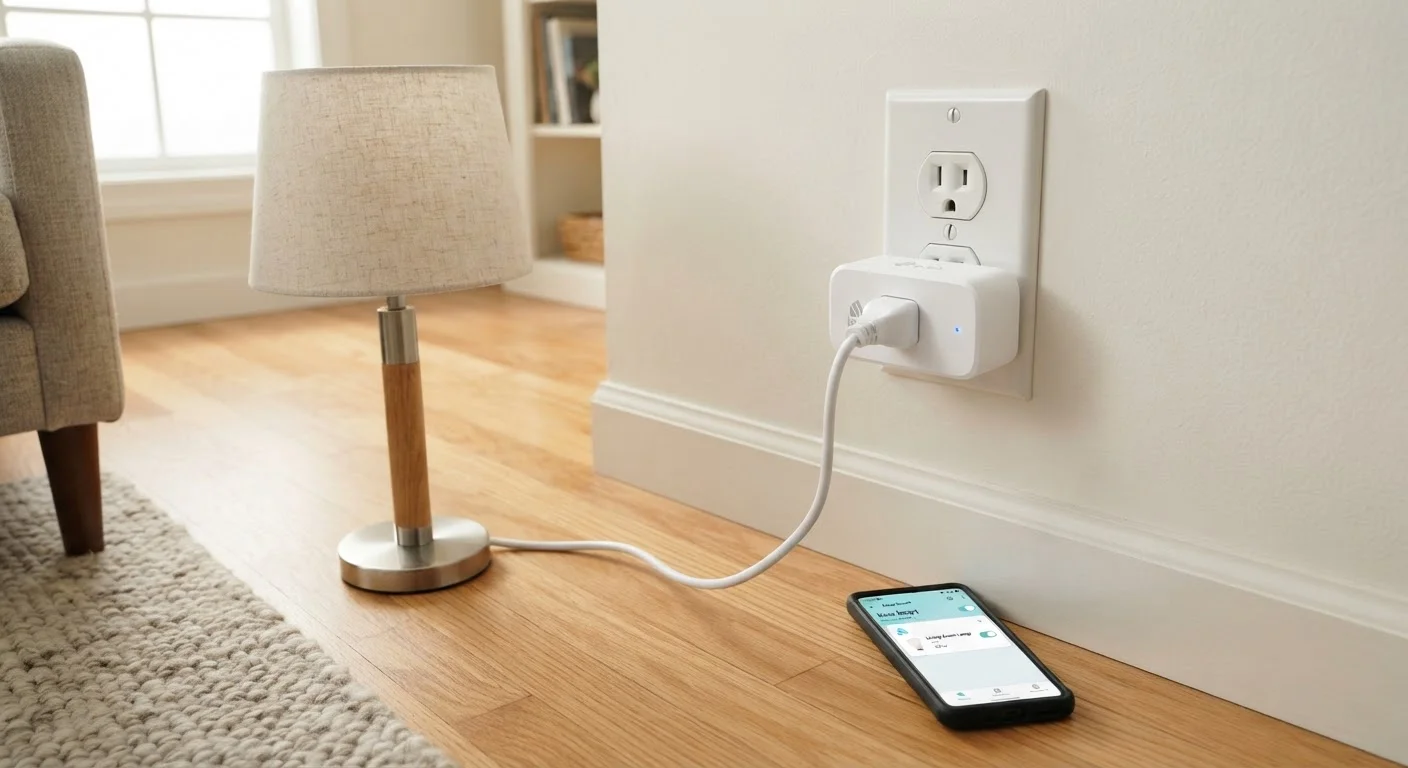
Photo credit: TrendingFaqs.com
In this article
Smart plugs promise control and savings, but how do they actually work? This guide explains standby power, scheduling, and realistic expectations.
Key Takeaways
- Smart plugs let you control any standard plug-in device remotely through an app or schedule.
- They draw a small amount of power continuously just to stay connected to Wi-Fi.
- Energy monitoring models can reveal which appliances are the biggest power consumers.
- The biggest savings come from using schedules to eliminate standby draw on high-wattage devices.
- Smart plugs do not reduce the power a device uses while running, only when it runs.
What a smart plug actually does
At its simplest, a smart plug is a relay. It sits between the wall outlet and your device, and it can open or close that electrical connection on command. The command can come from you tapping an app, from a voice assistant, or from a schedule you set up once and forget.
The Wi-Fi radio inside the plug is always listening, which is why the plug draws power even when the connected device is off. Think of it as the plug keeping one eye open so it is ready when you call. That continuous draw is small but real, and it matters when you are weighing whether a smart plug will actually reduce your energy bill.
What a smart plug cannot do is change how much power a device consumes while it is running. If your television pulls 120 watts during use, it pulls 120 watts whether it is connected through a smart plug or directly into the wall. The plug only controls when the device gets power at all.
Standby power: the problem smart plugs can solve
Many household electronics never fully power down. A cable box, a gaming console, a desktop computer, a coffee maker with a digital clock: each sits in a low-power ready state, drawing electricity continuously so it can respond instantly when you want it. This is called standby power, phantom load, or vampire power depending on who you ask.
The U.S. Department of Energy has noted that standby power can account for 5 to 10 percent of residential electricity use in a typical home. The figure varies significantly by household depending on the number and type of devices.
Prioritize high-standby devices first
Not every outlet benefits from a smart plug. Focus on devices that stay in a ready or standby state for long stretches: gaming consoles, cable boxes, audio receivers, and older desktop computers tend to be the best candidates. Checking a device's standby wattage in its manual or on the manufacturer's website tells you whether the savings math makes sense before you buy a plug.
This is where smart plugs earn their keep. If you schedule a smart plug to cut power to a gaming console at midnight and restore it at 7 a.m., you eliminate roughly seven hours of standby draw every day. Over a month, that adds up to something meaningful for devices with higher idle consumption.
For a lamp, a phone charger, or a small fan, the math is different. Devices that draw very little in standby mode will not produce noticeable savings when connected through a smart plug.
Energy monitoring: seeing what you are actually using
A subset of smart plugs includes built-in energy monitoring. These models track voltage, current, and wattage in real time and report that data to an app. For consumers who want to understand their electricity use, this feature is genuinely useful.
You can learn, for instance, that the mini-fridge in a home office pulls more power than expected, or that an older desktop computer draws substantial wattage even when the monitor is sleeping. That information gives you a concrete basis for deciding whether to change a habit or replace a device.
5-10%
Share of home electricity from standby power
The U.S. Department of Energy estimates standby power accounts for roughly 5 to 10 percent of residential electricity use in a typical American home.
1-2W
Typical smart plug standby draw
Most Wi-Fi-connected smart plugs consume approximately 1 to 2 watts continuously to maintain their network connection.
~50W
Typical idle draw of an older desktop PC setup
Desktop computers left in sleep or idle mode can draw significantly more standby power than smaller consumer electronics, making them strong candidates for scheduled smart-plug control.
Energy monitoring also reveals the plug's own overhead. When the connected device is off, you can see the plug's standby draw directly in the app, which helps you judge whether the plug's presence is net positive or neutral for that particular outlet.
Scheduling and automation: the most practical use
Remote on/off control gets the most attention in marketing, but scheduling is what most people end up relying on. A schedule runs without any action from you after initial setup, which means the convenience is genuinely passive.
Common uses include cutting power to entertainment systems overnight, running a space heater on a timer so it warms a room before you arrive (check your plug's wattage rating before doing this), and turning off a coffee maker automatically an hour after your typical wake time.
Geofencing is another option on some platforms: the plug turns a device off when your phone leaves a defined area and on again when you return. This can be useful for anyone who frequently forgets to turn things off when leaving home.
The practical limit of scheduling is that it requires your household routine to be fairly predictable. Schedules that conflict with your actual behavior end up being overridden manually so often that the automation loses its value.
Realistic expectations for your electricity bill
A single smart plug controlling a device with high standby draw can, over time, produce a modest reduction in electricity costs. A home full of smart plugs controlling devices that were already energy-efficient will see little measurable change.
The honest framing is this: smart plugs are a convenience tool that can also reduce energy waste in specific circumstances. They are not a broad energy-saving solution. The clearest path to lower electricity costs involves the devices themselves (their efficiency ratings, their age, their usage patterns) rather than the outlets they plug into.
If you are considering smart plugs primarily for energy savings, start by identifying the devices in your home with the highest standby consumption. A smart plug on those outlets, paired with a consistent schedule, is where the return is most likely to show up on your bill.
Frequently Asked Questions

Author
Tech Editorial Team
Tech Editorial Team is the collective byline for our editorial team and contributor network. Articles published under this byline or an editorial pen name are researched, written, and reviewed according to our editorial standards for clarity, consistency, and independence before publication.
View all articles →