
Why Your Gadgets Feel Slower After a Software Update
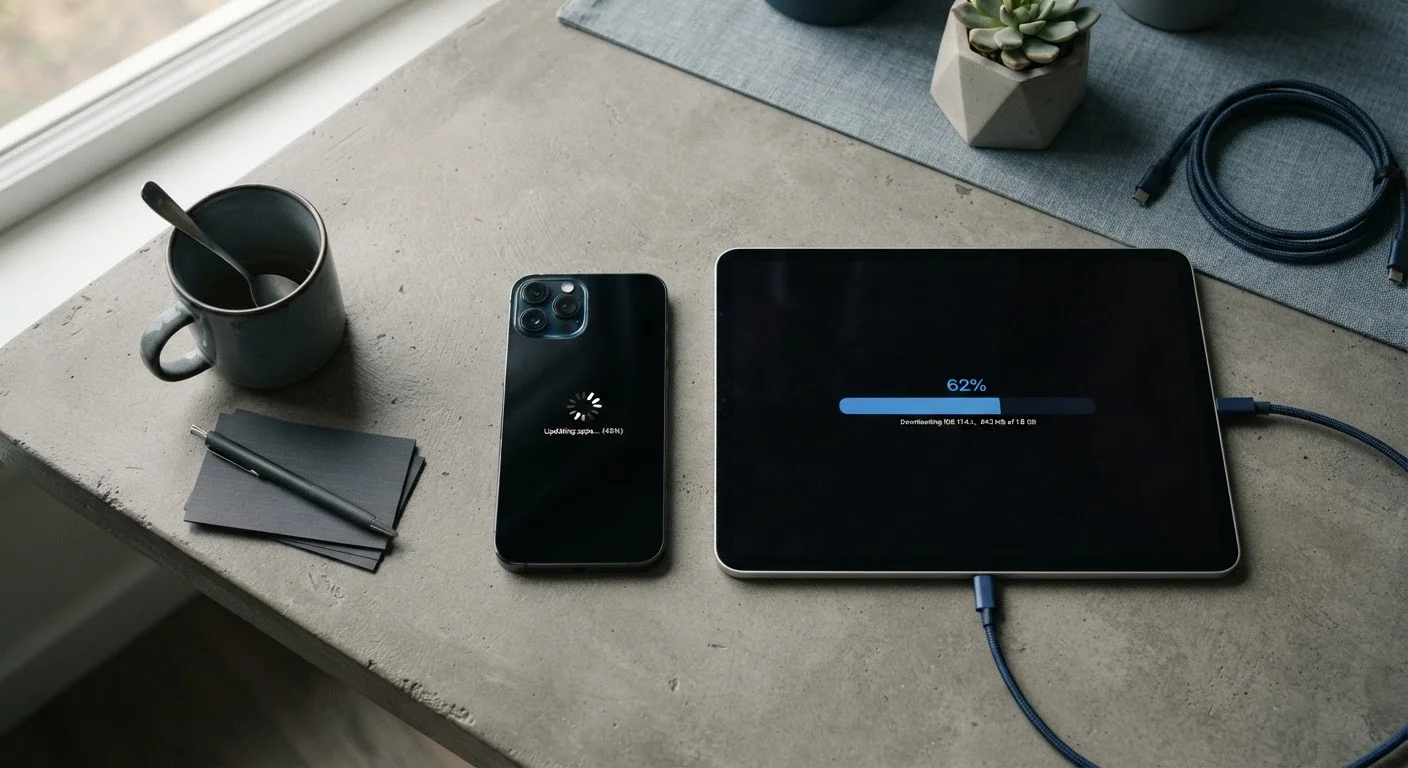
Photo credit: TrendingFaqs.com
In this article
Software updates are supposed to help, so why does your phone or tablet sometimes feel sluggish afterward? The real reasons are more nuanced than most people think.
Key Takeaways
- Devices slow down after updates mainly because background processes are still finishing.
- The phone or tablet reindexes files and recompiles apps automatically after a major update.
- Most post-update slowdowns resolve on their own within 24 to 72 hours.
- Older hardware struggles more because new software often demands more processing power.
- A full restart and a short waiting period fix the majority of post-update performance complaints.
What actually happens when an update installs
Installing a software update is not a simple swap of old files for new ones. The operating system rewrites core components, adjusts how it communicates with the device's hardware, and sometimes changes the file formats used for stored data. Once the update finishes and the device restarts, a wave of automatic background tasks begins.
On most smartphones and tablets, the system will recompile installed apps so their code runs correctly on the updated OS. It will also rebuild its search index, which is the internal catalog the device uses to find photos, contacts, messages, and files quickly. Both tasks consume processor time and battery, and they run whether you are actively using the device or not.
This is why a phone can feel warm and slow immediately after an update even when you are not opening any apps. The device is busy with work the user never sees.
Why older hardware feels the impact more
Software engineers write new OS versions with current-generation chips in mind. A processor released four or five years ago handles the same instructions more slowly, and it may have less RAM to share between the new OS overhead and the apps you are running. The result is that older devices experience both the temporary background-task slowdown and a more lasting adjustment to a heavier software environment.
Storage speed matters too. Older devices often use slower flash memory. When the system is reading and writing large amounts of data during reindexing, a slower storage chip means those tasks take longer and block other operations.
Let your device sit overnight after updating
Plugging the device in and leaving it idle overnight gives the system uninterrupted time to finish recompiling apps and rebuilding indexes. Most users find the device feels noticeably more responsive the next morning. Avoid scheduling a major update the night before you need the device for something important.
None of this means an older device becomes unusable after an update. The temporary phase passes, and many people find performance stabilizes at an acceptable level. The decision to update an older device is worth weighing against the security benefits the update provides.
The role of storage space
Available storage space has a direct effect on how smoothly a device runs after an update. Operating systems use free storage as a kind of working space for virtual memory and temporary files. When a device is nearly full, that working space shrinks, and tasks that would normally complete quickly start to queue.
Updates themselves can increase the total storage a system uses, because new OS versions sometimes include additional system files or updated frameworks. If your device had only a few gigabytes free before the update, it may have even less afterward, compounding the slowdown.
Clearing out unused apps, large video files, or cached data before or shortly after a major update can give the system more room to complete its background work.
What you can do while waiting
The single most effective step is to restart the device once or twice after the update completes. A restart clears short-term memory and can prompt the system to finish pending background tasks more efficiently.
After restarting, the simplest approach is to use the device normally and let the background processes finish on their own. Plugging the device in to charge while it sits idle overnight allows the system to complete reindexing and recompilation without competing with your active use.
If performance has not improved after two or three days, check how much storage is available. On both iOS and Android, the settings menu shows storage usage broken down by category. Freeing space by removing large downloads or clearing app caches often produces a noticeable improvement.
If a specific app became slow or unstable after the update, check whether the app itself has a pending update in the app store. Developers frequently release compatibility fixes in the days following a major OS release.
When the slowdown is something else
Not every post-update slowdown traces back to background system tasks. Occasionally an update changes a setting, re-enables a feature such as automatic backup or location services, or turns on an accessibility option that adds visual processing overhead. Reviewing the settings shortly after a major update can reveal changes you did not expect.
Battery health is another factor. An aging battery that struggles to deliver peak current can cause a processor to throttle its own speed to avoid sudden shutdowns. This behavior is built into both iOS and Android as a protective measure. If your device is more than two or three years old and feels persistently slow, checking battery health in the device settings is worth doing.
In rare cases, an update can introduce a software bug that affects performance on specific device models. Manufacturers typically release a follow-up patch within days or weeks when this happens. Keeping automatic updates enabled means the fix arrives without manual action.
Frequently Asked Questions

Author
Tech Editorial Team
Tech Editorial Team is the collective byline for our editorial team and contributor network. Articles published under this byline or an editorial pen name are researched, written, and reviewed according to our editorial standards for clarity, consistency, and independence before publication.
View all articles →